Can You Watermark Real Estate Listing Photos? MLS Rules
Published 28 September 2026 · by Tekiba
On the MLS itself, usually not with your own mark. ARMLS, the Arizona MLS, bars contact details and branding from listing photos and allows a watermark only when ARMLS supplies it. Your MLS writes its own rules, and your broker may add to them, so check both. Where they allow it, a workable routine is a set with no mark of your own for the MLS — carrying any approved mark you are required to use — and a marked set for your own site and social posts. SignetDrop makes both from one folder in your browser, free, ten photos at a time, up to 2048px. This page explains rules; it is not legal advice.
What ARMLS Rule 8.23 says
ARMLS explains its rule on a page of its own, Photo Rule 8.23 & Watermarks, read on 28 September 2026. It sums up what the rule forbids:
The rule prohibits contact information and branding (including phone numbers, email, individual names, websites, entity names or advertising of any kind) on media.
The rule text it quotes goes further, on anything added to a photo:
Photographs and other Media may not be altered to display text, or images except to identify the property’s location attributions, or watermarks of any kind except for those specifically provided by ARMLS and displayed in such Media as permitted by ARMLS guidelines.
"Media" is broad. The page defines it as "a photograph, floor plan, rendering, document, and virtual tour / video attached to a listing in the MLS." Among its examples of what is not allowed is "a watermark labeled “Not for Rent” in text form that is not ARMLS approved" — a harmless-sounding note, refused because ARMLS did not issue it.
What that leaves for a watermark
ARMLS publishes its own watermarks as PNG files: a status mark, a virtually staged mark, and to-be-built and under-construction marks, with a digitally altered one for video and tours. Those are the only kind it allows, and its page sets two rules for using them:
Only place one watermark per photo.
No changes to the original design and colors.
A mark of your own does not become acceptable by being small or faint. The FAQ on the same page answers the question about staged photos directly: a staged photo marked as staged needs the ARMLS mark, and "This includes copyright or other company’s watermarks as well." It also says that mark is optional, with a caveat worth repeating to a team — "your broker may have different requirements."
ARMLS is one MLS. We quote it because it publishes its rule and examples in detail; other MLSs have their own wording, penalties and approved marks, and some may allow more or less than this. Whether a photo meets your MLS's rules is for your MLS to decide, not us.
Two sets from one shoot
The rule is about what goes on the MLS. It says nothing about the copies on your own website, in a listing presentation or on social media, which is where a brokerage mark earns its place. So the workable routine is two exports of the same photos:
- MLS set — no mark of your own. If your MLS or broker requires an approved mark, such as a virtually staged one, that mark alone, at full opacity and its original colours.
- Marketing set — your brokerage name or logo, a different file name so the two never mix.
Both sets also shed the photos' EXIF by default. Each picture is drawn onto a canvas and saved again, so the camera's serial number, the capture time and any GPS coordinates are not in the files you hand over. The address is public on a listing; the rest of that block need not be.
Doing it to a batch here
-
Run the MLS set first, with no mark of your own. Untick the text mark (or use the logo mark for a required approved PNG, as below), set the longest edge your MLS asks for, and name the files — Numbered with a prefix such as
12-oak-st-keeps them in shooting order. Download the ZIP. -
Then the marketing set, with your mark. Keep the same photos loaded, tick the text mark, type the brokerage name and choose a corner and opacity. Change the suffix or prefix so the names say which set they are.
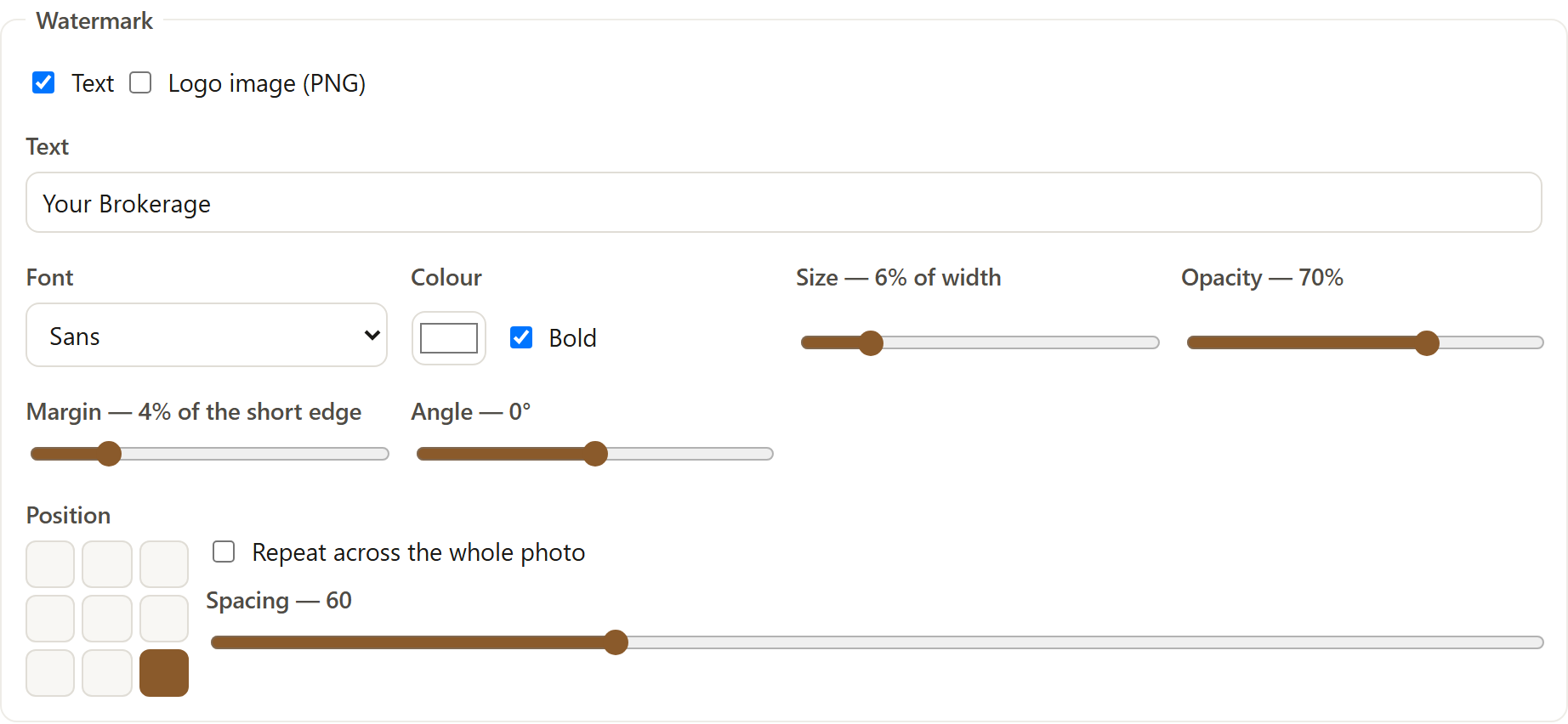
The marketing set's mark. The MLS set is the same batch with this switched off. -
Take the second ZIP. Each archive is built in the page; nothing is uploaded to make either.
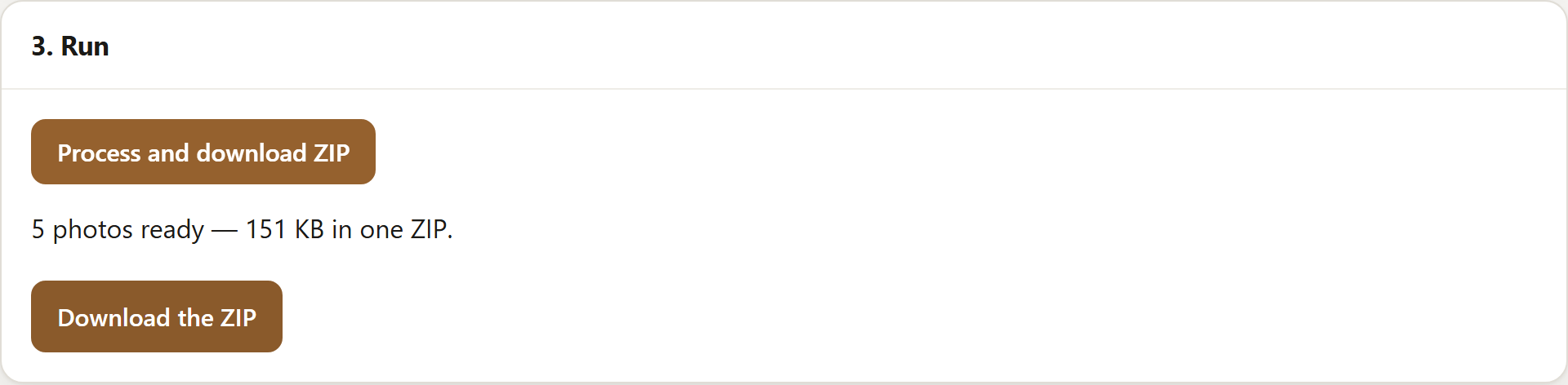
A free run: five photos, marked and zipped for the brokerage's own site.
To place an ARMLS-approved PNG instead of a text mark, choose the logo mark, pick the file ARMLS provides and set its opacity to 100. ARMLS does not say anything about its size on this page, so ask it before shrinking one.
What this does not do
It does not know your MLS's rules or check a photo against them, and it cannot tell a person in the background from one in the foreground, which Rule 8.23 also cares about. It does not upload to the MLS or anywhere else. Nothing here is legal advice; for a disputed photo, ARMLS invites agents to submit it for review, and other MLSs have their own contacts.
Where the free version stops
Free does ten photos at a time, up to 2048px on the longest edge: resize, convert, rename, one watermark and a ZIP. More than one mark on a photo, larger sizes and saved presets are paid, $29 once — the split is on the pricing panel.
Open SignetDrop and try a batch. The free settings need no account, and the pictures stay on your disk.
Questions
Can I put my brokerage logo on MLS listing photos?
Not under ARMLS Rule 8.23, which bars branding and says watermarks are allowed only when ARMLS provides them; its FAQ says this includes "copyright or other company’s watermarks". Other MLSs write their own rules, so read yours before assuming either way.
Is a virtually staged watermark required?
Not by ARMLS: its FAQ calls the approved watermark optional and adds that "your broker may have different requirements." If you do mark a photo as staged, it has to be the ARMLS one, one per photo, unchanged.
Can I do this for free?
Yes. One watermark, the resize and the rename are free, ten at a time on the free version, up to 2048px, with nothing uploaded. Run the MLS set with no mark of your own and the marketing set with yours. More than one mark on a photo, and saved presets, are paid.
Open the tool, or read about what eBay and Etsy allow on a listing photo, watermarking a batch, clearing location data, naming photos for Amazon, whether resizing removes EXIF, squaring a batch without cropping, fitting square photos to a 3:4 frame, sizing for a feed or bulk resizing and renaming, or what this page loads and counts.