Watermark multiple photos without uploading them
Published 13 September 2026 · by Tekiba
You can. A browser can open a batch of photos from your own disk, draw the same mark onto every one of them and hand back a ZIP without any of it reaching a server — so there is no upload to wait for, no retention policy to read, and nothing to ask anyone to delete afterwards. SignetDrop works that way: ten photos at a time for free, no account.
What travels with a photo when you upload it
Most batch-watermark sites are ordinary web applications: the pictures go to a server, are processed there, and come back marked. Plenty are run carefully. The question is not whether a company means well but what actually leaves your machine — and three things travel with a photo, only one of which is the picture.
Metadata. A JPEG off a phone or a camera carries EXIF: the date and time, the camera model, often its serial number, and — if location services were on — the coordinates where the shutter fired. A folder of holiday photos is a map of a trip; a folder of things for sale is often a map to your front door.
The unmarked original. The file you upload to be watermarked is, by definition, the copy without the watermark on it — the version you were trying not to hand out, sitting on somebody else's disk until their deletion timer runs.
The licence you agree to. Upload terms routinely include a broad grant of permission to store, copy and process what you send. That is normal, and still worth reading before a folder of client work goes through it.
None of that is an accusation. It is why the other kind of tool matters: if the work happens in the page, none of the three questions comes up.
Three steps in the browser
-
Drop the photos in. Open the folder, select the pictures and drag them onto the page — or press Choose photos and pick them there. (The photos themselves, not the folder: a dropped folder is not read.) Nothing is sent either way: the browser only passes a reference to files already on your disk. JPEG, PNG and WebP work everywhere; HEIC works where the browser ships a decoder, which in practice means Safari.
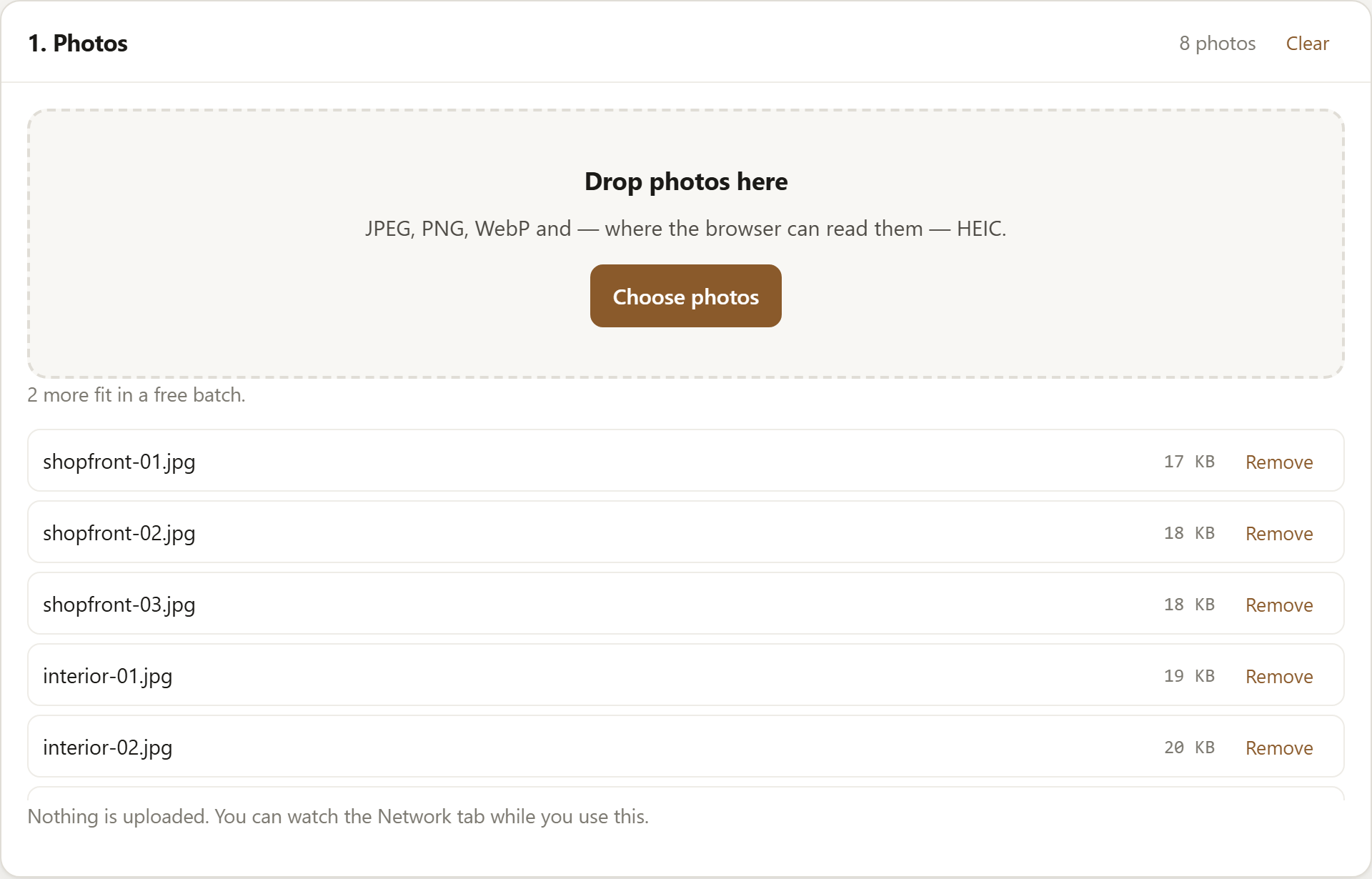
Eight photos added. The counter tracks how many more fit in a free batch. -
Set the mark once. Type the text — a name, or a copyright line — then set its opacity, which of nine positions it sits in, and its size as a percentage of the output width, padding included. A percentage rather than a pixel size is what makes one setting work across a mixed batch. You can angle the mark, tile it across the whole frame, or use a PNG logo instead of text.
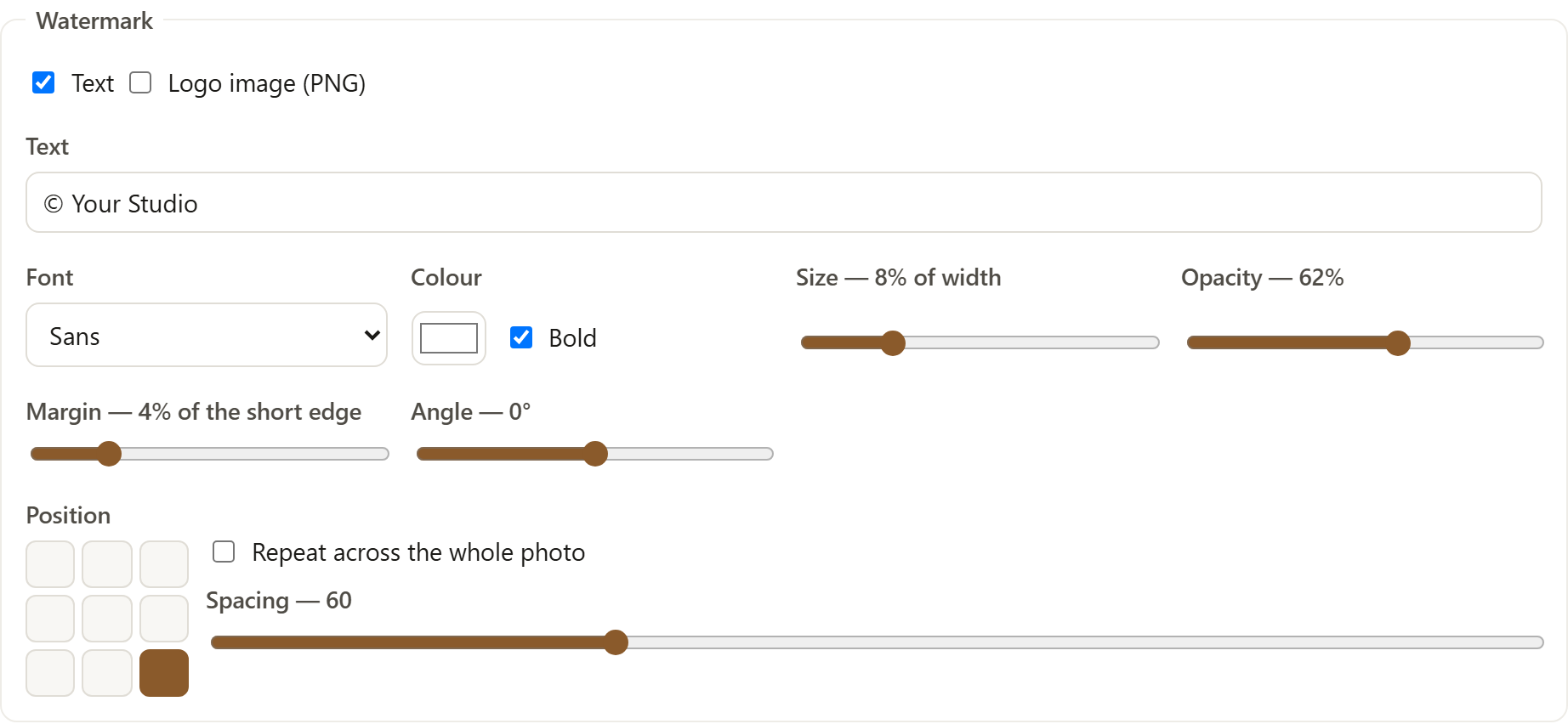
One setting covers the whole batch, so photos of different sizes come out consistent. -
Run it and take the ZIP. Each photo is decoded, drawn onto a canvas with your mark, re-encoded and added to a ZIP built in the page's memory; the download then comes from your own machine. Photos are handled one at a time to keep memory use low, so a large batch takes a while — and you can stop part-way.
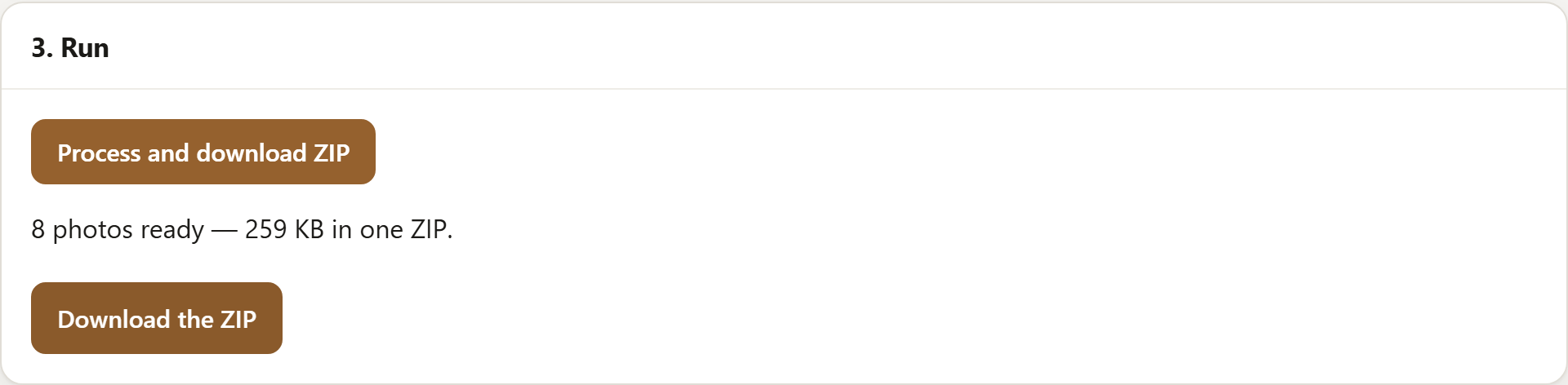
The ZIP is assembled in the tab. Nothing was uploaded to build it.
Load the page, switch your Wi-Fi off, and it still works.
Resizing and renaming come with it
A watermark is rarely all a batch needs, and two tools mean encoding the photos twice. All of this happens in the same pass:
- Resize by longest edge, width, height or percentage — the usual answer for web-sized copies of camera files, and for a batch at 2048px for Facebook.
- Convert to JPEG, PNG or WebP, with a quality slider for the two lossy formats.
- Rename: keep the original names, number them with a prefix, or add a
suffix such as
-web. Names are also made safe to put in a ZIP, so a batch opens cleanly on Windows as well as on a Mac.
The output is one ZIP, whatever the combination. If it is mainly the resizing and renaming you want, bulk resize and rename photos online covers the longest-edge setting, why phone photos still come out upright, and the three naming patterns in detail.
Where the free version stops
The free version does ten photos at a time, up to 2048px on the longest edge, with a text mark or a logo, plus the resizing, format and renaming above. It is a working tool rather than a trial: no time limit, no account, and it never writes our name onto your photos. The only watermark that comes out is yours.
The paid version is $29 once, not a subscription. It lifts the limits we impose —
any number of photos, at any size, subject only to what your browser and its memory can
manage — and adds a text mark and a logo together, saved presets, name templates like
{date}_{n}_{name}, padding and 1:1 / 4:5 / 16:9 canvases, and the
option to carry the original EXIF across for JPEG output. The full split is on the
pricing panel.
Open SignetDrop and try it on ten photos. Nothing is installed and nothing is uploaded.
Questions
Does a watermark stop someone using my photo?
Not by itself. A visible mark tells an honest person where a picture came from and makes casual reuse awkward, which is most of what it is for. It does not stop a determined one: it can be cropped, painted over, or removed by software built for the job. If a photo would do you real harm in the wrong hands, the protection you need is not publishing it. What a mark does buy you is a name travelling with the file, which is usually what makes a takedown request straightforward.
How can I check that the photos are not uploaded?
Open your browser's developer tools before you start — F12, or ⌥⌘I
on a Mac — go to the Network tab, tick Preserve log, and run a batch. You
will see this site's own files, a Google Analytics page view, and one event carrying how the
batch ended, how many photos and which format — nothing carrying a picture or a file name.
A second check does not depend on trusting the page: read the
Content-Security-Policy on the document request. Its
connect-src does not include this site, so the browser will not let
this page post anything back to us even if our code tried. That is a narrowing rather than a
sealed box, but it takes away the ordinary routes; the privacy page
lists what is left.
What happens to EXIF and location data?
By default it is gone. Each photo is drawn onto a canvas and re-encoded, and a canvas has nothing to say about where a picture was taken or what took it, so no GPS, no camera serial and no EXIF timestamp survive. That is a consequence of how the tool works rather than a filter that might miss a field. The rotation tag is read first, so a phone photo still comes out the right way up. The paid version can carry the original EXIF across if you want it kept — JPEG to JPEG only, and off unless you switch it on. If that is the reason you came, there is a whole article on it: remove location data from photos before selling online.
One thing to settle before you mark a set of listing photos is whether the site will take them: can you watermark eBay or Etsy listing photos? quotes what each of them publishes.
Open the tool, read about squaring listing photos by padding them, fitting square photos to a 3:4 frame or whether resizing removes EXIF, or read what it loads and counts.